SPACE by TITANS
Your organization.Ready to act.
Your organization’s data, systems and intelligence in one workspace. SPACE connects knowledge, agents and workflows through modules tailored to the way you work, from operational visibility to action.


From business operations to critical infrastructure. From models to code. Four distinct roles, built on shared knowledge, data and integrations.
Illustrative scenarios and imagery.
01 / 04 SPACE
Foundry
Data and operations. Connected to your business.
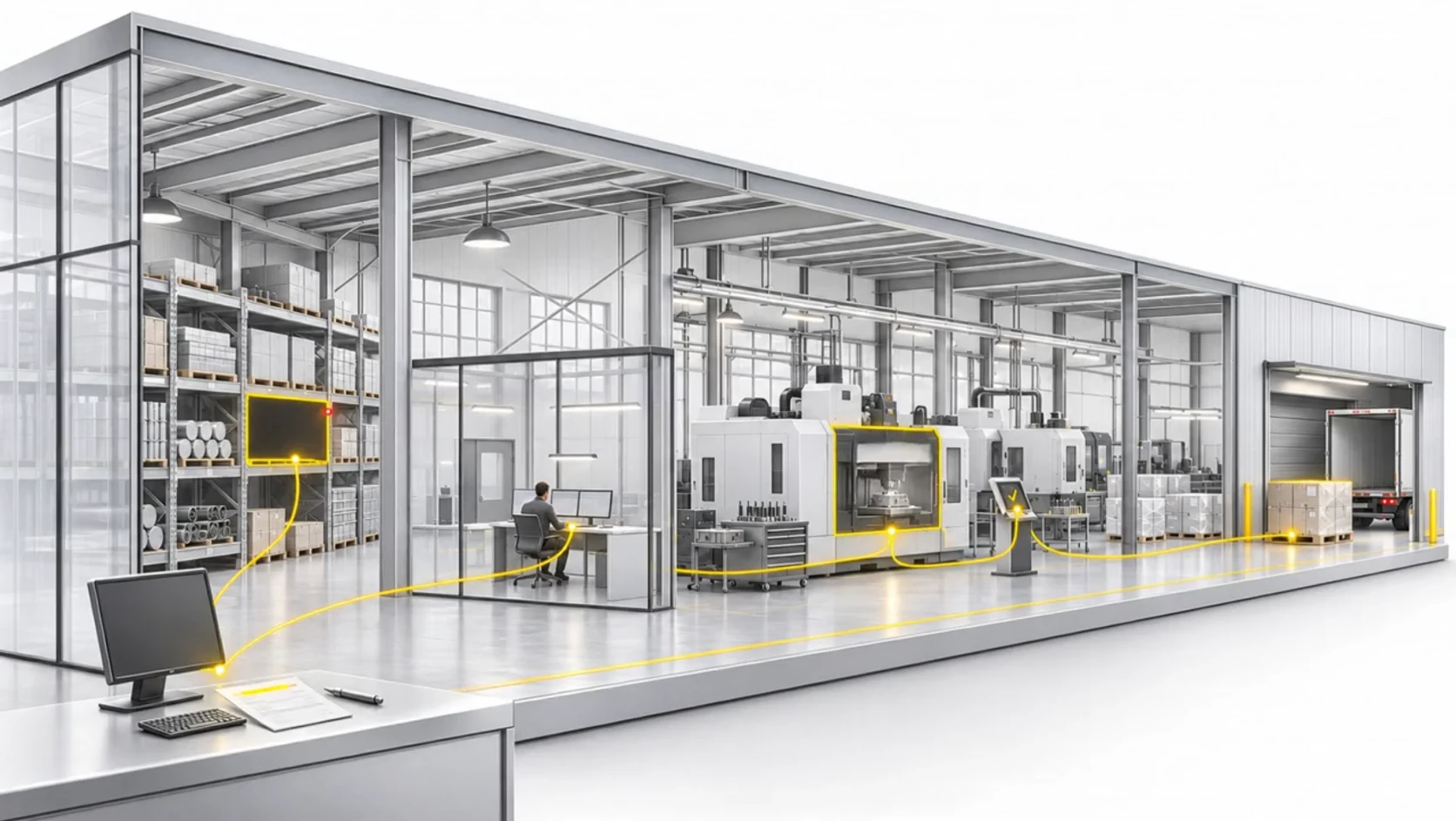
Space Foundry connects business and industrial data with operations: customers, orders, inventory, production and service. ERP and CRM systems, data sources and automation come together in modules that connect visibility, decisions and action.
Bring SPACE to your organization SPACE Command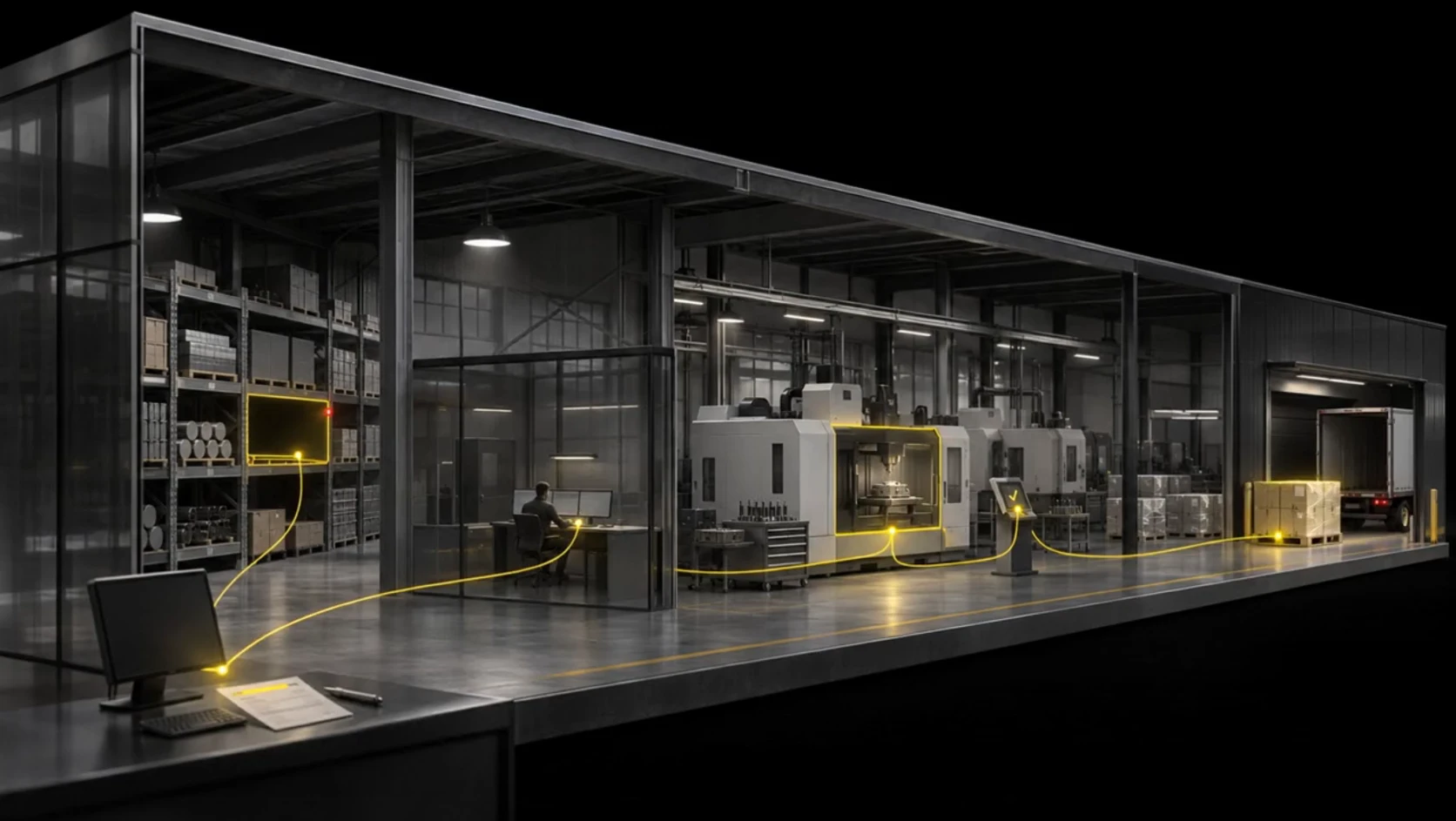
Data in context
Connect records and information sources around an order, customer or workflow.
Business logic
Adapt rules, ownership, approvals and workflows to the organization.
Connected action
Combine agents and automation with permissions and review points.
CRM · Customer order
→ERP · Inventory & production
→SPACE · Delay identified
→WORKFLOW · Review & coordinate action
→
02 / 04 SPACE
Command
Critical infrastructure. Situational awareness and control.
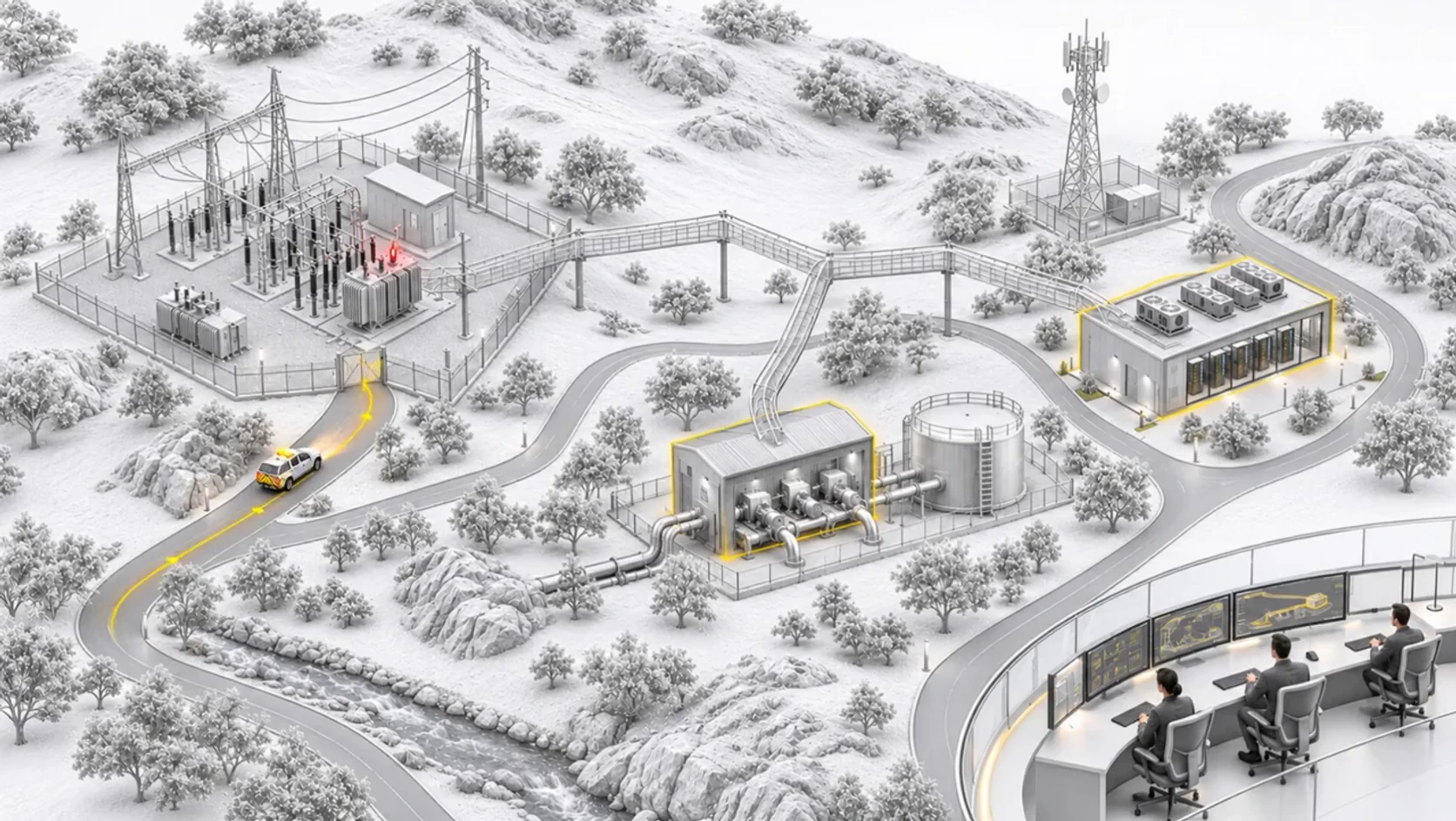
Space Command brings assets, systems, alerts and incidents into a shared operational workspace. Connect the context that matters, coordinate responsible teams and manage response through your organization’s procedures, permissions and approval points.
Bring SPACE to your organization SPACE AI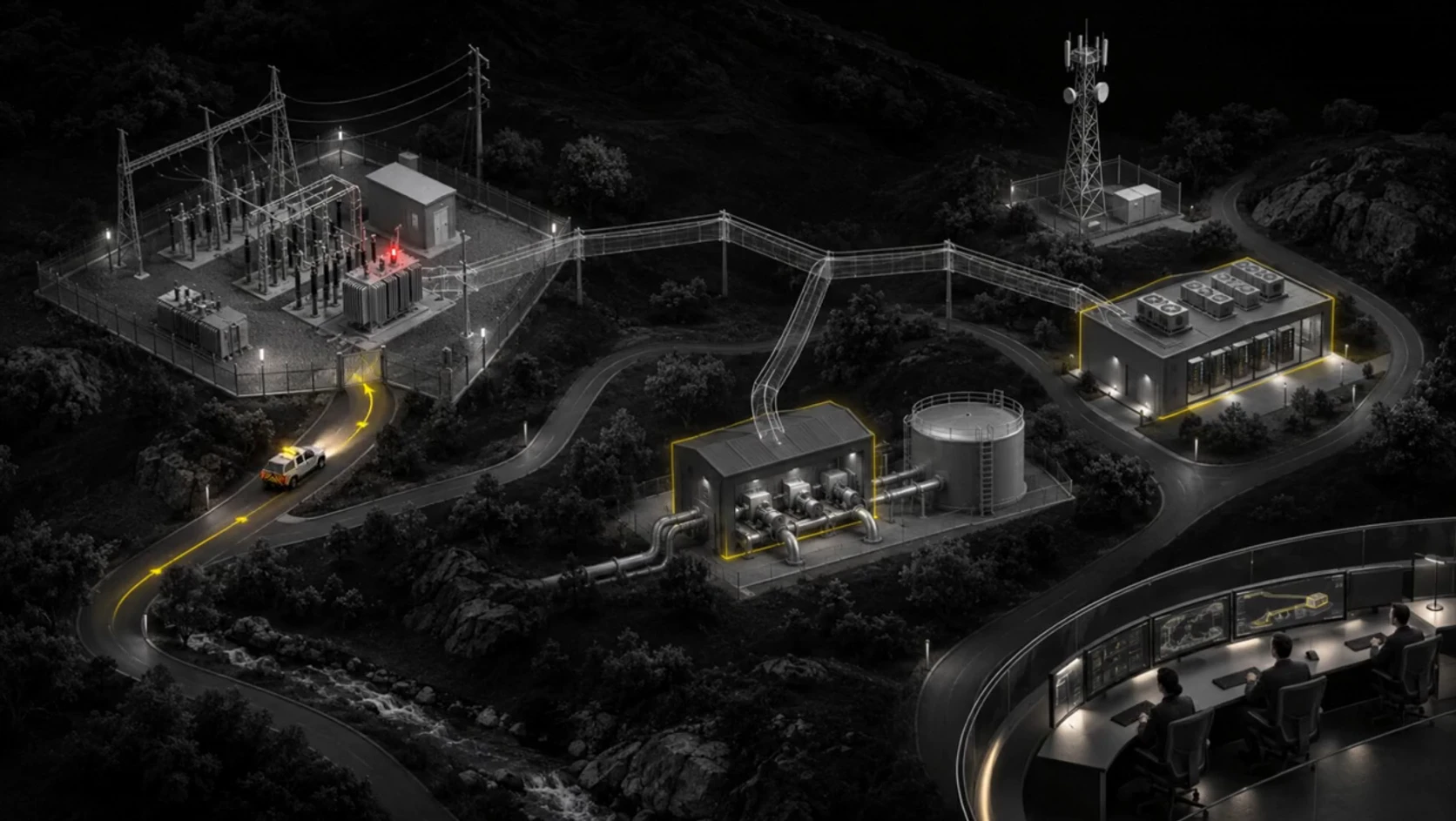
Assets & systems
A shared picture of assets, system dependencies and operational status.
Alerts & incidents
Signals and exceptions with context, priorities and clear response ownership.
Coordination & oversight
Response procedures, tasks, approvals and an incident activity record.
Detect an exception
→Connect the context
→Coordinate response
→Review and close
→
03 / 04 SPACE
AI
Your infrastructure. Your intelligence.
Space AI connects models, organizational knowledge and agents to your workflows. Choose a model for each task and bring together the data, tools and permissions it needs. Open models can run on your infrastructure, using CPU or GPU to match workload and performance requirements.
Bring SPACE to your organization SPACE Code

Control your data
Process information locally within your organizational environment.
Use your existing capacity
Match compact models to suitable servers and workstations.
Control usage costs
Self-host without a model provider’s per-token charges.
Keep your options open
Combine models by task and evolve with your organization.
SPACE AI · CPU / GPU
Self-hosted open models, from CPU for focused tasks to GPU for advanced workloads. Match model choice to your data, performance needs and budget.
Start with the infrastructure you have.
Compact models for classification, extraction and focused assistance. Validate memory, quality and response time on your hardware.
Focused tasks · Right-sized workloadsCombine flexibility and acceleration.
Split inference between processor and accelerator with supported runtimes. Match model size, memory and acceleration to your environment.
Resource fit · Memory flexibilityScale to advanced workloads.
Larger models, visual workloads and concurrent users on GPU servers or a suitably sized cluster. Plan capacity around workload and service requirements.
Larger models · Concurrent workloadsThe task shapes the model. You choose the environment.
Open-weight model families, from compact models to reasoning, code and visual understanding. Connect the right model to your data and workflow, with a choice of local or private-cloud inference.
- Qwen
- DeepSeek
- Llama
- Gemma
- Mistral
- Phi
- Granite
- Nemotron
- Kimi
- MiniMax
- GLM
- gpt-oss
Version, licence and capacity selected as part of your enterprise implementation.
Compact models
Focused tasks, classification and local assistants on suitable hardware.
Reasoning & agents
Analysis, understanding and multi-step tasks; larger models on appropriately sized GPU infrastructure.
Code & automation
Coding assistance, custom tools and development agents inside your environment.
Organizational knowledge
Document embeddings for semantic search and a knowledge layer for source-grounded answers.
Visual understanding
Text and image understanding for documents and workflows that depend on visual information.
Voice & transcription
Speech-to-text as part of service, operations and information intake workflows.
Image generation
Image generation for content and enterprise communications on suitable GPU infrastructure.
- Ollama
- vLLM
- Hugging Face
- LM Studio
- Intel
- AMD
External API services, aligned with your organization’s policy and choice.
- OpenAI
- Anthropic
- Google Gemini
04 / 04 SPACE
Code
Your expertise. Your next module.
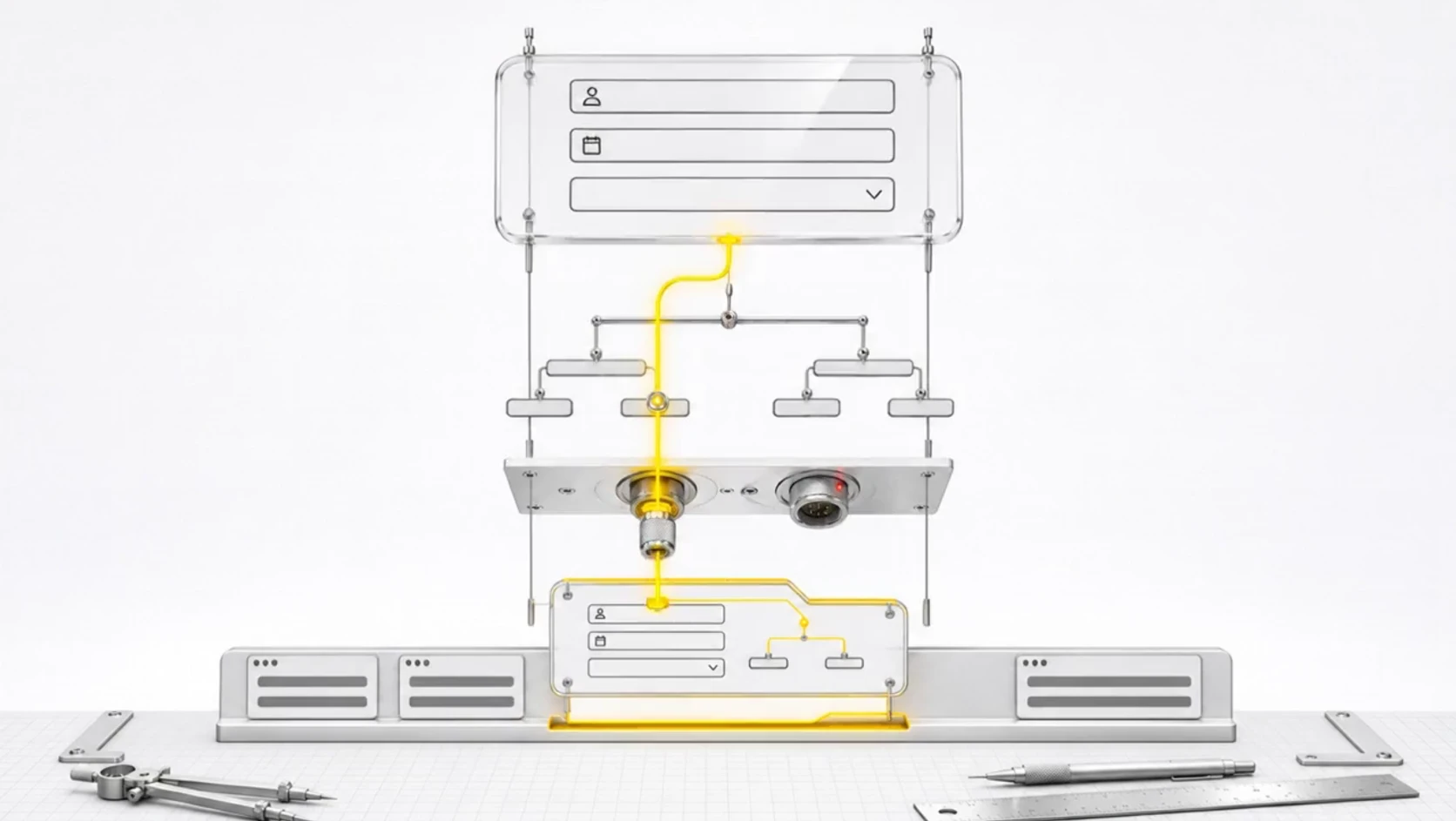
Space Code is your development workspace inside SPACE. Internal developers and FDE teams turn a business need into a tailored module: interfaces, agents, business logic and automation connected to your systems and knowledge.
Bring SPACE to your organization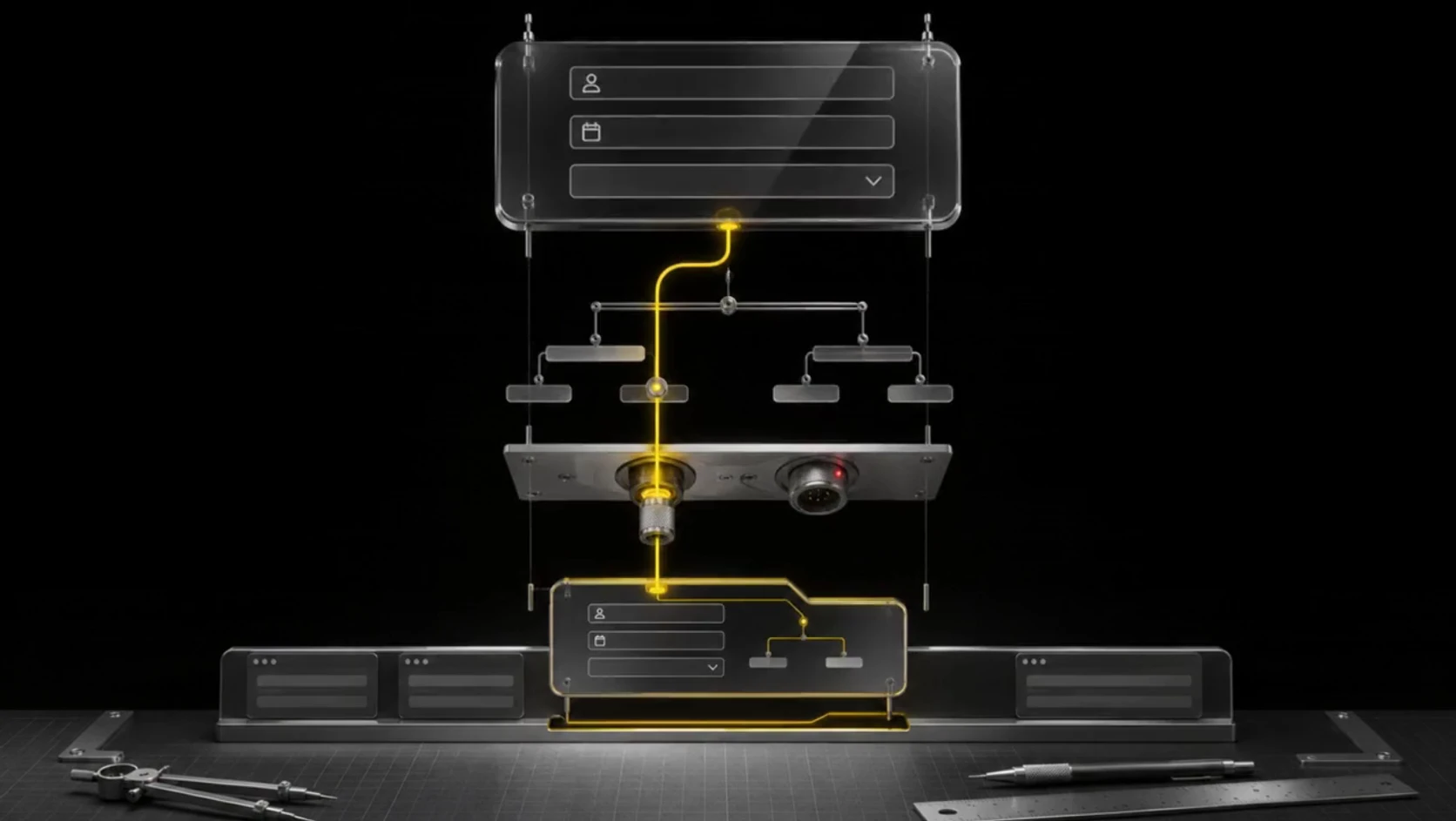
Modules and interfaces shaped around your workflows
Agents, tools and automation through APIs and MCP
Make and n8n connected into your solution
Open models on CPU and GPU infrastructure
Bring your automation into the flow.
Connect Make and n8n workflows to SPACE agents and modules through APIs and webhooks. For internal deployments, self-hosted n8n can be configured as part of the enterprise solution.
- API
- MCP
- Make
- n8n
- Interfaces & fields
- Logic & workflows
- Roles & approvals
- Systems & models
SPACE / TITANS
One space. An entire organization.
A cockpit for leaders, a workspace for teams and a foundation for developers. Each module is shaped around your organization’s workflows, information and decisions.

From operational visibility to the next decision.
Bring objectives, metrics, exceptions and tasks into one management view. Connect each workflow to an owner, a next step and context from existing systems.
Cockpit · Agents · Knowledge
+
Cockpit
From operational visibility to the next decision.
Bring objectives, metrics, exceptions and tasks into one management view. Connect each workflow to an owner, a next step and context from existing systems.
Agents
Give intelligence a role.
Create focused agents for departments, processes and teams. Connect their instructions, knowledge and tools to the work they own.
Workflows
Turn repeatable work into a flow.
Connect triggers, agents, human reviews and system actions. Make everyday processes reusable across the organization.
Knowledge
Give every answer organizational context.
Bring documents, data and process knowledge into a shared context layer for people and agents.
Integrations
Connect to the systems you already use.
Connect enterprise applications, APIs, data sources and internal services to one workspace.
Space Code
Build where your organization works.
Your developers and FDE teams build modules, agents and tools tailored to your organization: interfaces, business logic, automation and open models on your infrastructure.
Models
The right model for the work.
Self-hosted open models, from CPU for focused tasks to GPU for advanced workloads. Match model choice to your data, performance needs and budget.
Governance
Control, built into the workspace.
Organize access, responsibilities and review points around your people, teams and workflows.
Workflows
- Request received
- Context gathered
- Agent prepares
- Team reviews
- Action follows
Agents
Knowledge analyst
Find and connect organizational knowledge.
Knowledge · SourcesOperations coordinator
Bring context to operational requests.
Systems · WorkflowsDeveloper agent
Help build internal tools and automations.
Code · ModelsKnowledge
- Operational procedures — Process knowledge
- Service documentation — Technical knowledge
- Departmental workspace — Team knowledge
- Connected records — System context
Across domains. Around the way you work.
From operations and service to learning, research and development. A shared foundation of data, knowledge, permissions and agents, with workflows and interfaces shaped around each use case.
IT & operations
Connect service requests, infrastructure context and operational knowledge. Equip teams with agents that help investigate, coordinate and prepare the next step.
Service operations · Knowledge · AutomationBusiness teams
Bring business records, process knowledge and the people making decisions into one flow. Turn recurring tasks into connected workflows.
Business systems · Agents · WorkflowsDevelopment
Give developers a shared foundation for local agents, model connections and custom automations. Build tools around the systems and context the organization already has.
Space Code · Models · IntegrationsLearning, knowledge & research
Connect learning materials, professional content and organizational knowledge. Shape learning and research workspaces with agents, search and workflows adapted to their audiences and information sources.
Learning · Knowledge · ResearchYour existing systems.
New possibilities.
+
Connect systems, knowledge sources and data into shared organizational context. Link information to the right workflows, people and permissions so agents and modules can work with what your organization already knows.
From core business systems and automation to collaboration, development and data. FDE teams tailor API connections and integrations to your workflows, permissions and enterprise environment, connecting the tools you already rely on.
CRM & ERP
- Salesforce
- SAP
- Oracle
- Priority
- Microsoft Dynamics 365
- HubSpot
- Zoho CRM
- monday CRM
- Pipedrive
- Odoo
Automation
- Make
- n8n
- Zapier
- Apache Airflow
Collaboration
- Slack
- Microsoft Teams
- Google Workspace
- Notion
- Confluence
- Zoom
Development
- Jira
- GitHub
- GitLab
- Bitbucket
- Docker
Cloud & data
- Snowflake
- Databricks
- MongoDB
- Redis
- Kubernetes
- Grafana
- AWS
- Microsoft Azure
- Google Cloud
- PostgreSQL
- Elasticsearch
Bring your automation into the flow.
Connect Make and n8n workflows to SPACE agents and modules through APIs and webhooks. For internal deployments, self-hosted n8n can be configured as part of the enterprise solution.
API · Webhooks · MCP · On-prem · Cloud · Hybrid
IntegrationsGovernance
+
Organize access, responsibilities and review points around your people, teams and workflows.
Workspace access
Teams & roles
Action reviews
People in the loop
Activity history
Operational visibility
Model policy
Aligned to your environment
Requests, input and output tokens, API charges and local infrastructure costs are different measures. Usage reporting and quotas are proposed requirements, not verified billing or enforcement capabilities. Attribute usage to each user, team and model over a day, month or agreed reporting period, with a defined time zone and reset date. Agree quotas, alert thresholds and the response to a limit before the pilot.
From capability. To your working environment.
Every SPACE area shares the same deployment and implementation foundation. Match on-premises, cloud or hybrid environments to your data, permissions and performance requirements. Start with a focused workflow and expand with your organization, supported by FDE.
Embed — Start where the work happens.
Work with the team that owns the process. Identify the first high-value workflow and the people, information and systems behind it.
A first use caseConnect — Bring the environment together.
Connect the relevant systems, knowledge and model environment. Give the workflow the context and tools it needs.
A connected workspaceActivate — Put the first solution to work.
Configure the module, build the agent or automate the workflow. Work alongside your people to integrate it into daily operations.
A working solutionExpand — Build on what is already connected.
Extend to another workflow, department or module. Reuse the integrations, context and tools that are already part of your SPACE.
Compounding capability
The speed of a platform. The precision of a tailored solution.
+
From the first screen to a complex business process, SPACE takes shape around the way your organization works. A shared foundation of agents, knowledge and integrations lets FDE teams and your developers focus on what makes your business unique.
Executive cockpit
Your objectives, metrics, exceptions and priorities, with cross-team visibility and clear ownership.
Procurement & approvals
A workflow tailored to budgets, suppliers and decision owners, connected to ERP records.
Service & operations
Agents and workflows shaped around your request types, operating procedures and escalation paths.
What is SPACE?
+
SPACE is an enterprise platform connecting data, knowledge, people, agents and workflows in one workspace. Tailored modules, integrations and Space Code let you shape that workspace around different departments and domains.
How do we start?
+
Start with a workflow that matters to your organization. Together, we select the first modules, connect the relevant systems and put the solution to work with your team.
Can we use our existing systems?
+
Yes. SPACE is built around integration with the environment you already operate. The FDE team connects the relevant applications, APIs, knowledge sources and internal services for your use case.
Can our developers build their own agents?
+
Yes. Space Code is the development module for creating local agents, automations and custom tools, using local, open or external models.
Do we need to adopt every module?
+
Start with the modules your first workflow needs. Add capabilities as new teams, processes and opportunities join the workspace.
Can we build a module unique to our organization?
+
Yes. Start with a business workflow and shape its interfaces, fields, logic, permissions, approvals and integrations. FDE teams and your developers build on SPACE’s shared foundation and extend it around your needs.
Do we need a GPU to start?
+
Not for every use case. Compact models and focused tasks can run on CPU. The FDE team evaluates memory, response time, language, quality and concurrency, then selects CPU, combined CPU and GPU, or GPU servers for the workload.
What is the cost advantage of open models?
+
Selected Apache 2.0 and MIT models permit commercial use without model licence fees. Self-hosting avoids a model provider’s per-token charges. Infrastructure, energy, operations and implementation remain part of the total solution cost.
Bring SPACE to your organization
Every SPACE area shares the same deployment and implementation foundation. Match on-premises, cloud or hybrid environments to your data, permissions and performance requirements. Start with a focused workflow and expand with your organization, supported by FDE.